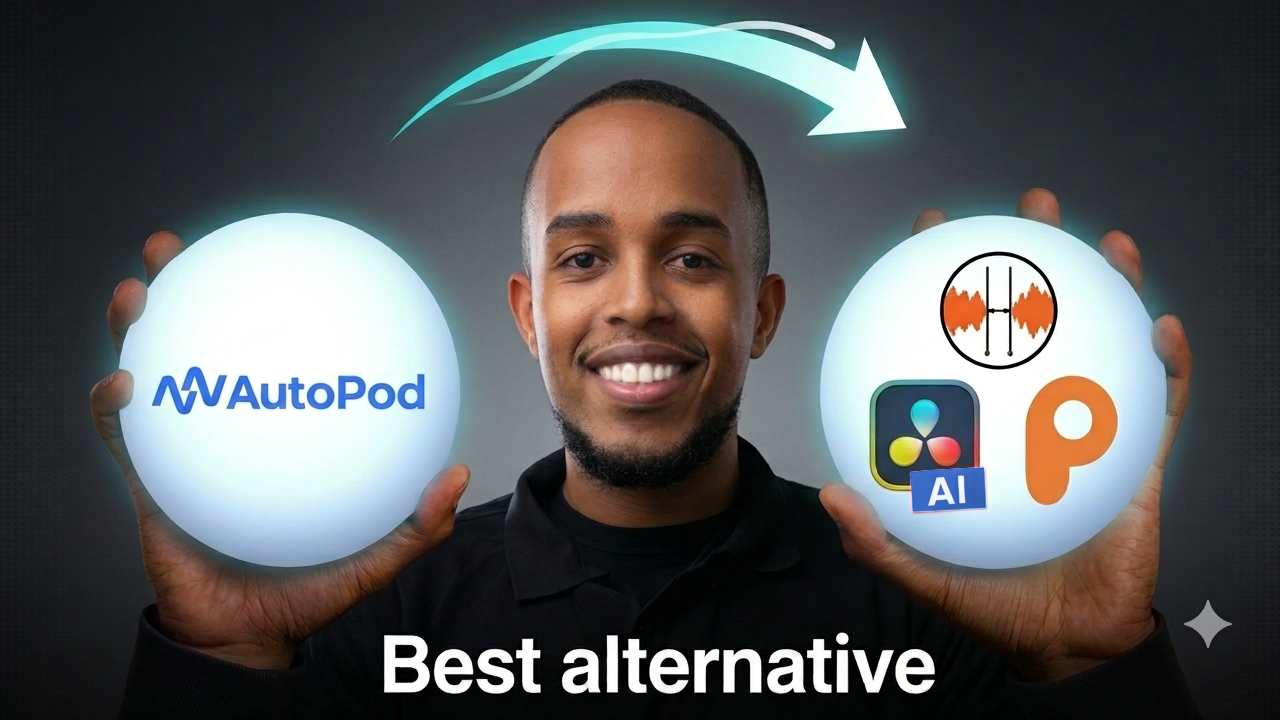
If you edit multicam podcasts in DaVinci Resolve, you’ve probably searched for an Autopod alternative that actually runs inside Resolve. I ran a hands-on test of the three biggest options — DaVinci Resolve SmartSwitch, Podmate, and Autocut — to see which one saves the most time while still producing an edit you’d actually publish.
The contenders for Autopod Alternative
- DaVinci Resolve SmartSwitch — the built-in Resolve option.
- Podmate — a dedicated multicam auto-editor.
- Autocut — a fast single-cam-focused tool.
I compared them on three questions that matter most:
- How does the AI edit actually perform?
- What customizations can you make?
- How long does it take to run?

How I tested it
To keep things fair, I used 3 randomized 1-minute sequences and applied the same rules to every tool:
- I chose 3 random 1-minute sequences.
- I only fixed an issue where the camera stayed on the wrong person for a long stretch.
- I turned off reaction shots on every tool.
- For full transparency, I posted the entire editing videos online.
One note going in: I couldn’t tell the difference between DaVinci SmartSwitch and Podmate at a glance, while Autocut is obviously the non-multicam option of the group. Since it doesn’t support the multicam tool

Round 1: How good is the actual edit?
The real question is how much cleanup each edit needs afterward. Fewer fixes = more time saved. Across 3 minutes of footage:
| Tool | Fixes needed (3 min of footage) | Verdict |
|---|---|---|
| DaVinci Resolve SmartSwitch | 3 fixes | Best |
| Podmate | 4 fixes | Best |
| Autocut | 10 fixes | Medium |

Round 2: How long does the edit take to run?
A great edit is no good if you’re waiting forever for it. Here’s how long each tool took to process a 12-minute timeline:
| Tool | Time to run (12 min timeline) | Verdict |
|---|---|---|
| DaVinci Resolve SmartSwitch | 21:43 mins | Poor |
| Podmate | 1:01 mins | Best |
| Autocut | 54 secs | Best |

Round 3: Does it support the multicam tool?
| Tool | Multicam support |
|---|---|
| DaVinci Resolve SmartSwitch | Yes |
| Podmate | Yes |
| Autocut | No |

Round 4: What useful customizations can you make?
| Tool | Customizations |
|---|---|
| DaVinci Resolve SmartSwitch | Widecam frequency, minimum clip size, L-cut length |
| Podmate | Edit/reaction shot pacing, widecam/splitcam frequency, minimum clip size, multicam vs regular export |
| Autocut | Edit/reaction shot pacing, cut audio alongside video, speaker priority |
Round 5: Does it support a Widecam?
| Tool | Widecam support |
|---|---|
| DaVinci Resolve SmartSwitch | Yes |
| Podmate | Yes |
| Autocut | Yes |
Round 6: Does it directly support Splitcam?
| Tool | Splitcam support |
|---|---|
| DaVinci Resolve SmartSwitch | No |
| Podmate | Yes |
| Autocut | No |

The verdict: Best Autopod Alternative on Davinci Resolve?
| Tool | Pros | Cons |
|---|---|---|
| DaVinci Resolve SmartSwitch | Best basic edit, multicam supported, widecam | Slow to run |
| Podmate | Best basic edit, fast, multicam supported, widecam, splitcam | — |
| Autocut | Fast, widecam | No multicam tool support |
Bottom line: Podmate is the tool I’d try first. It matches SmartSwitch on edit quality, runs about 20× faster, keeps full multicam support, and is the only one of the three with direct splitcam support.
Leave a Reply